Showing posts with label tutorial. Show all posts

Sunday, March 18, 2012

Catznip Viewer Arrives

The Catznip Viewer is a new addition on the third party viewer (TPV) list. It offers Restrained Love in a viewer modeled closely on the Linden viewer. For new residents of Second Life and those of us who have become accustomed to the Linden Viewer over the more than 2 years of its existence, this is good news.
It offers an alternative to the Firestorm Viewer and Marine's venerable Restrained Love Viewer, along with others who have offered RLV for varying periods of time.
I've been using Catznip for about 4 months now, yes it was available before being placed on the TPV list and it works great. It became one of the recommended viewers for girls joining the Toy Slaves Brothel (RLV required) approximately 8 weeks ago and has functioned very well.
There is more to the viewer than just RLV, here's what the developers Kitty Barnett & Trinity Dejavu say about their viewer. 

"Catznip aims to refine and reinvent your window into Second Life. Our focus is stability, usability, privacy and plenty of new original home grown features.
As a project, Catznip is not and will never be a bucket list of features cherry picked from the other projects, nor a laundry list of pre-release Linden code. It’s about taking a fresh look at things and attempting to do them better.We are very open to feature ideas or requests, but please present them in the form of a use case and not simply “Add X from Viewer Y” !"

If you have followed the development of RLVa, you'll recognize Kitty as a developer of the Restrained Love used in many of the Third Party Viewers.
To read more about Catznip or to download this excellent viewer visit their website 

Here's a short video about installing it. It's easy, no files to transfer over, just download, install and jump into Second Life. It comes with RLVa turned off. All of the viewers excepting Marine's (where it's always on) arrive with Restrained Love turned off. 
To activate it in the viewer go to Preferences (Ctrl+P), when the Preferences window opens choose the side tab labelled Catznip and place a checkmark in the box for RestrainedLove API suppoert (requires restart). The viewer will need to indeed be restarted for RLVa to take effect, so log out and then back in and you'll be in RLVa.

Watch the video in YouTube to take advantage of fullscreen and HD


Hope to see you soon in Second Life

Saturday, March 10, 2012

Bad Hair Day?

Correcting a bad hair day in Second Life may just be easier than in Real Life.
I've created a video to illustrate how to use the edit menu and resizing menu(available in many hairs) to properly fit hair to your avatar in Second Life.
Anyone who has tried to explain how to do this to a new resident using text is sure to understand, I hope this video helps. I hope that people eventually do learn all these things without much help. I would hate to think we lose too many who find it just too hard.
Anyway for what it's worth...
Oh and for the RL Bad Hair Days, I just wear a hat.
The video is best viewed full screen and in HD


Click here to read the script or use the script to translate 


Thank you so much for watching

Friday, March 9, 2012

Shoes - Wonderful Sexy Shoes in Second Life

I've been a little lazy in posting to my blog in the last few months. Lots of different reasons that I simply won't bore you with.
Getting back to my original purpose of promoting and informing and training (that might be three purposes) in Second Life, I have decided on starting back up with a new video.
One perplexing issue that I see over and over again, is residents not wearing their shoes properly. Shoes have evolved from simple objects with feet squeezed into them, blocky SL toes revealed in our open toed sandals, to delicate constructions with beautiful feet and incredibly detailed shoes. Along with these changes came HUDs to do many, many things. Perhaps the most important of these was matching the foot colour in these new shoes to your skin. That was always the early knock on wearing the shoes, however, the creators have become incredibly adept at skin matching offering the ability to make very subtle changes even in some cases including notecards with RGB numbers for the most common skins.
With all of this, the most common mistake I see new residents make is failing to wear the shoe shape...
it's the clothing layer piece that allows your foot to be shaped to fit inside. The video gives more details on how to wear shoes. 


I hope to have it make it into a new and updated Quick start video to replace my now outdated walk down memory lane
 http://www.youtube.com/watch?v=MjIY4w03HB8
I could get distracted and off track here, but, this was to be about shoes and wearing them. I'll save things like my love for the new Catznip viewer for another post. Hopefully it'll come a little sooner.
Here's the video, as always the video is designed to be...
Watch in full screen and HD from the You Tube


See you in Second Life 

Sunday, November 13, 2011

Marine Kelley's Restrained Love Viewer

I recently did a post on setting up RLV in Firestorm. Now, for Marine Kelley's original version.

One of the most respected viewers in Second Life is Marine Kelley's RLV. Once used almost exclusively by the D/s community, residents have found lots of ways to use it.
Want to know more about RLV? See my post here...
What is Restrained Love?

Marine's follows the Linden viewer platform. This version includes the very latest user interface changes.
I've included the links to the pages used below the video.
Go ahead, don't be shy, give it a try.
Click the video and watch in full screen and 720p HD for the best experience

http://wiki.secondlife.com/wiki/Third_Party_Viewer_Directory
http://www.erestraint.com/realrestraint/
See you soon in Second Life!

Sunday, November 6, 2011

Protect Yourself in Second Life

If you're in business in Second Life, especially, my kind of business, it's always wise to protect yourself by saving your Chat and IM logs to your computer.
I've posted a video showing how to do it in Firestorm, Restrained Love, the Linden Viewer and Phoenix.
Be careful how you use the logs, they're for your protection and enjoyment. Sharing them with others without their permission is viewed by some as a violation of the Terms of Service.
Why get into the whole debate, be safe rather than sorry...keep them private.
Click on the video and view it full screen and in HD (720p)

See you in Second Life

Saturday, July 2, 2011

Age Verification Changes in Second Life

What an incredible breath of fresh air. Gone is the age verification system that had people from all over the world sending passport, driver's license and SSN information for verification...yea!

To replace it a new age verification process, and this may sound familiar, you enter your date of birth, check a box verifying that it is true, then submit.
Yes, just that simple.

Go to your Dashboard, you'll find it under the Me menu, then Account and on that drop-down(mine always seems to be open to Account) choose Age Verification. There you'll find the boxes to enter your date of birth. If you have already given this information to Linden at some point, the boxes will be already filled in, mine were, then, put a checkmark in the box verifying that the information is true and submit.

Submitting this information is the first step, now go to your Preferences in the viewer (Ctrl+P) or (Me menu, Preferences, General) and change your preferences to allow you to view all content (General, Moderate and Adult).
So, there you are. If you've avoided checking out the incredible part of Second Life that is Adult because you were concerned about giving your private information...that bar has been lifted.
Come in and see what we have to offer. 

I think you'll like it.
See you in Second life! 

Sunday, June 26, 2011

Wear, Add, Replace

There are a surprising number of new residents who go into Appearance mode in order to change clothing. Each time I see someone do this, I just want to shout out how much more easily they could do it from their inventory. If someone has a comment about why they are using the Appearance editor, I'd love to hear it. The best I've been able to come up with on my own is that the Linden "outfits" are stored under that tab and if those outfits are all that you've got when you start, it seems logical to change there. Any suggestions?
I'm posting my video about wear vs. add in the hope that it helps.

Wear, replaces what you are currently wearing on that layer or attachment point (in the Kirsten's viewer, she's actually used the word "replace" in the menu, in place of "wear").
Add, adds it over top or to the same attachment point.

The video below explains
Please click on the video and watch it in HD and full screen for the best experience

Hope that helped...especially the shoe form (clothing layer) part.  Don't go out without it.

I've also included Torley's video on the sidebar appearance menu.

If you were confused about this, I hope this helped.

Tuesday, June 14, 2011

GETTING STARTED IN SECOND LIFE


GETTING STARTED IN SECOND LIFE


Probably after the "What do I do now?" question, the next most common is "How do I ..._____?" Linden has done a great job of teaching the very basic things in the intake process. The process is short, thank goodness; when people think of joining our community, they don't want to spend hours learning how. There is, however, still a lot to learn once you finish it. And the Linden training says nothing about Adult.

This post is mostly taken from a note card that I give to new residents when I see them arrive in the club. Just by their arrival, I know that they are adult verified (we are an adult sim, you cannot visit without first being verified by Linden) and that they have their viewer set to advanced. Otherwise, they could not receive the informational notecard or the free clothing, hair, shapes etc. I send.

Here are some web resources to help you learn about SL (Second Life).

Linden Labs (the owners of SL) started a new user interface in the Spring of 2010. You might hear some of the residents complaining about it, but, it is the default viewer and likely the one you received on coming to Second Life. It's a perfectly good viewer; the complaints are mostly about learning something new.

One of the best things about it is it's contextual help. You are probably used to that from the web, but, the browser help in Second Life is much improved over the previous viewer. There is an excellent video about it here.


Torley Linden, who did the video you just watched is probably the most recognized voice in Second Life. He has hundreds of tutorial videos covering how things work. His video tutorials are great!

Look at the Quick Start guide he mentioned in the video. I did a short unofficial video about it.

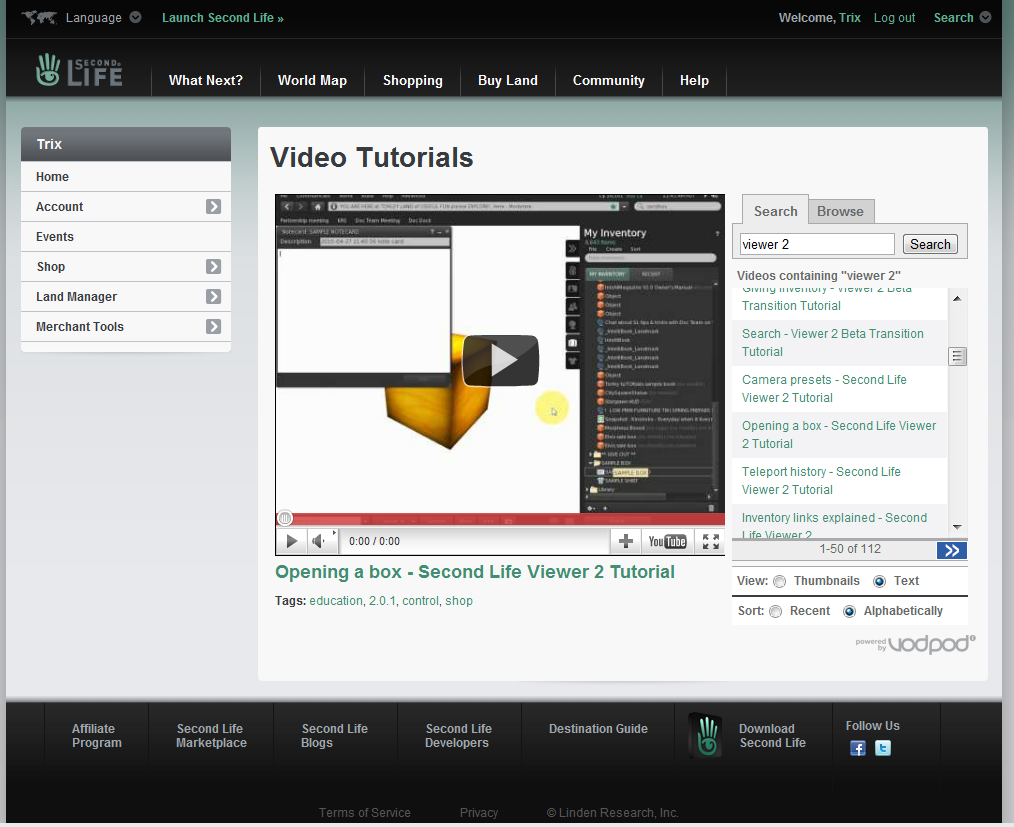
Next, is the official site for videos. There are many video tutorials on lots of topics. Under the index look for "Beginners" first, but don't stop there. There's lots of  stuff non critical to you for now, but, it will show you the fascination that keeps most of us here in Second Life. There's just sooo much to do!
Not just Torley, but, many residents of Second Life have created videos you can find on You Tube and other sites.


But you are going to want to get started, so, come to the club where you will find RESOURCES YOU CAN USE RIGHT AWAY AT TOYS. For tutorials and free stuff check out the abandoned XXX Theatre at the top of the stairs near the escort boards in the club. We've converted it to a new resident welcome centre.

You'll find an animation override (it makes the Linden walk smoother, among other things) and a cock (yes gentlemen, you'll need one of those). 

I have some information on this blog too. Dealing with how to sign up, become adult verified and how to set your viewer to "advanced" in order to search for adult themes and sex in Second Life. Please check through the archive posts.


A common question we get  is how to work poseballs and pay residents? Go figure, we're a brothel after all. Here's a short video on that.


Another common question, usually after someone has heard one of us speaking at Toys is, how do I turn on voice? Here's a short video.


Why not take a brief video tour of the backstage part of Toys (our role play/sex areas). What you see around the club in the storefronts is only a representation of the larger areas, villas, beaches, castles and dungeons we offer. As Madame Aprille will be proud to tell you, we have 5 islands (sims), 200 girls, 20 dominants (probably 30 by now) and 3 clubs.
See more about it here.


We have a website too. http://www.toybrothel.com


Besides voice, there is a lot of media in Second Life. You probably have it all set up already. We've included a video.


Most residents personalize their profile with pictures and places visited, groups joined and things they like. It's easy to do.


The getting started tips at the following website were written quite some time ago but are still valid, however, many of the addresses have changed, moved or disappeared. 


We hope you find these videos helpful. They are really only a start. But, with these basics, you are good to go. there is sooo much more, but, you have time to learn. For now, go and enjoy, there plenty of time for the rest later.

Thank you for visiting Toys Slaves and enjoy your Second Life